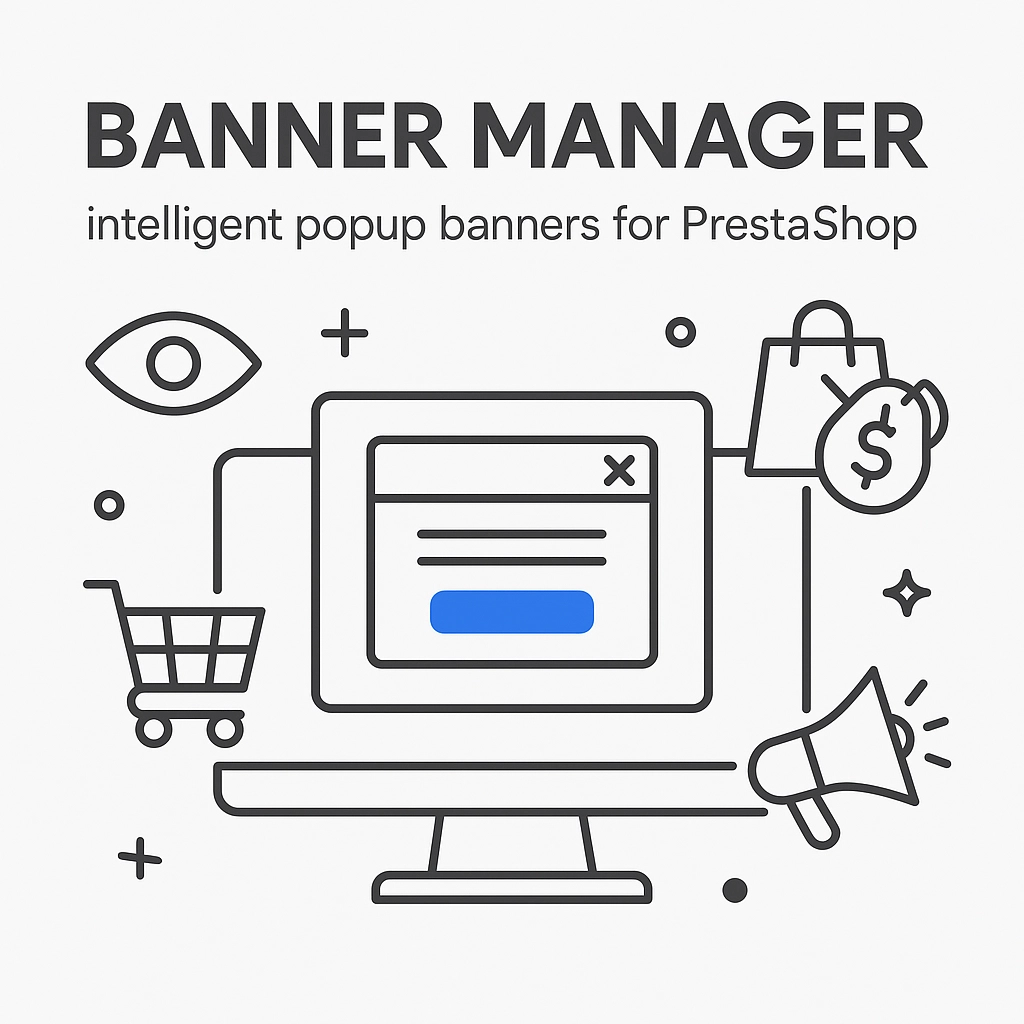
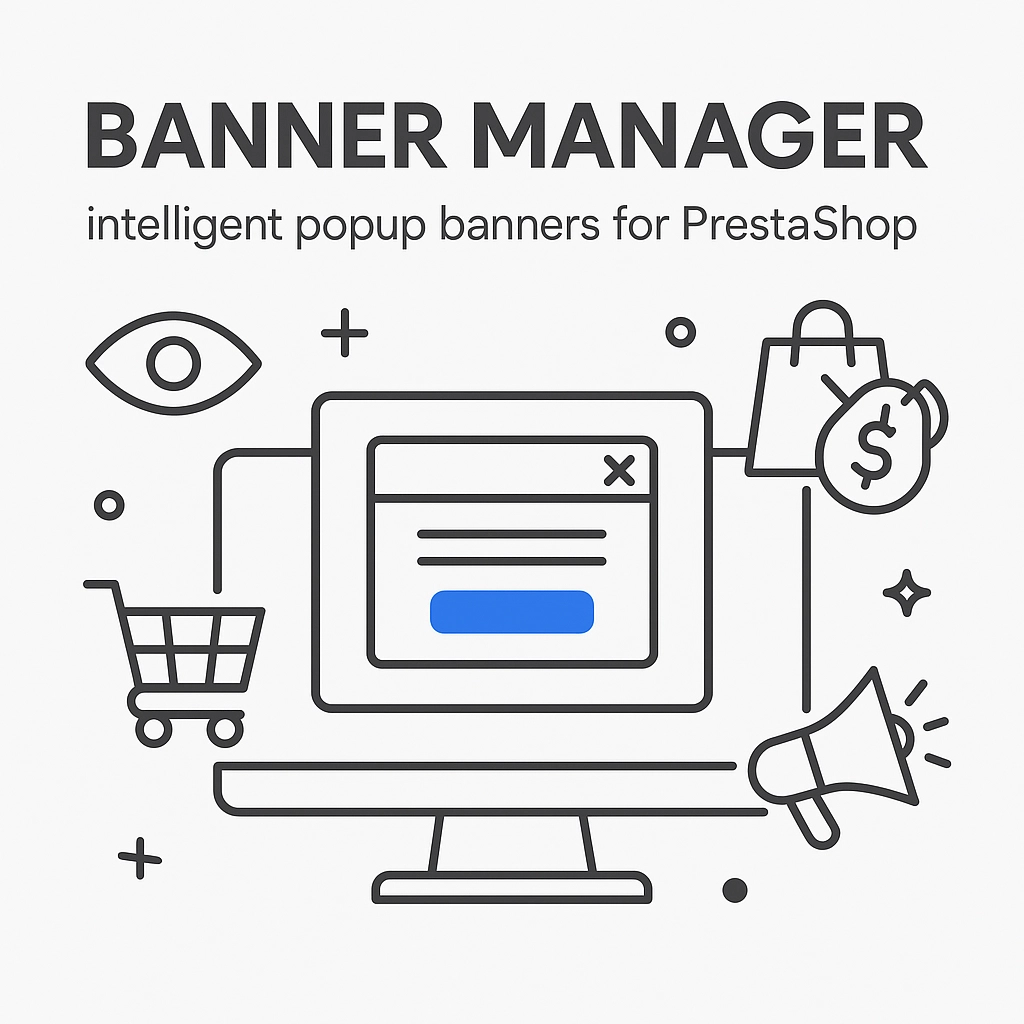
Banner Manager – intelligent popup banners for PrestaShop
Banner Manager – Highlight promotions, new arrivals and important messages precisely when the customer is most engaged in shopping. Instead of hiding your message in page banners, you can show it in a clear popup window that genuinely captures attention.
Banner Manager helps guide the customer straight to an offer: a product, a category or a specific promotional campaign. You decide where the message appears and how often it repeats, so you can support sales without annoying users.
This module is for PrestaShop stores that want to deploy marketing campaigns faster, streamline in-store communication and increase conversion efficiency — in a simple, repeatable way.
Information Parameters:
- 1.0.2
- 2025-12-16
- 1.7.x, 8.x
- EN, PL
- Yes
- demo.admin.shop
- demo.front.shop
In many online shops promotions get lost among categories and key messages (delivery, discounts, new arrivals) fail to reach the customer at the right moment. The result? Lower conversion, more abandoned visits and untapped campaign potential.
Banner Manager allows you to create attractive popup banners and present them according to your strategy: as a carousel, a list of messages or a single random creative. You decide where and when banners appear and how often customers see them.
The module is aimed at store owners who want to communicate promotions faster, drive traffic to selected products/categories and create an effective first contact with the customer — without complicating the team’s daily work.
In short: it’s a tool for sales-focused messages that are noticeable and controllable.
Problems the module solves
- Promotions have low visibility – instead of hoping for accidental clicks, you present the offer in the centre of attention.
- No control over frequency – the customer does not see the same message repeatedly after closing the popup.
- Hard to tailor messages to context – different banners on the homepage, product pages and informational pages.
- Campaigns are difficult to manage – instead of chaotic materials, you have a single place to manage creatives.
- You don’t know if a message works – you get insight into what was viewed and what was closed.
Why choose it?
- More sales-focused visits to offers – you direct customers straight to a promotion, product or category.
- Better control of the customer experience – set the display delay and limit repeat views after closing.
- Flexible communication scenarios – choose presentation format: carousel, multiple banners at once or a random message.
- Consistent multilingual communication – separate content and images per shop language, no compromises.
- Faster campaign management – enable/disable banners and set order quickly and conveniently.
- Data-driven decisions – see what customers view and close, then optimise your content.
- Support sales without being intrusive – the popup can appear after a delay rather than immediately, making it less aggressive.
Use cases
Promotions and sales
Communicate seasonal discounts, promo codes and time-limited campaigns at the moment the customer is browsing offers.
New arrivals and bestsellers
Direct traffic to key products and collections — especially on the homepage and product pages.
Informational messages
Display information about delivery, free shipping, opening hours changes or other important announcements.
Marketing message testing
Rotate messages randomly to test which creatives perform better.
Features – Back Office (BO)
Unlimited number of banners
Add multiple creatives and build a campaign from several messages — no module-side limits.
Multilingual content and graphics
Set separate banner versions for shop languages so the message feels natural for every customer — multi-shop support.
Banner with link (CTA)
Send the customer exactly where you want: to a promotion, category, product or information page.
Convenient banner ordering
Set message priorities — decide what appears first.
Quick enable/disable
Activate and deactivate banners without deleting settings — ideal for recurring campaigns.
Presentation mode settings
Choose whether to show all messages, a carousel, or a single random banner.
Delayed start configuration
Set how long after entering the page the customer will see the message.
Frequency control after closing
Decide how long the message should "disappear" after the customer closes it.
Display on selected shop areas
You can limit display to specific types of pages.
Display in selected categories
Tailor the message to customer interests and assortment.
Quick launch of a new campaign
When you start an important action, you can make messages visible again (for example after they were previously closed).
Features – Front Office (FO)
Elegant popup window
The customer sees a clear message on a dimmed background, which focuses attention on the offer.
Smooth entry and close animations
The message appears and disappears in a friendly way, improving perception and shopping comfort.
Responsive on phones and tablets
Banners adapt to the customer’s device so as not to hinder browsing.
Convenient close options
The customer can close the message intuitively (e.g. with a button, clicking the backdrop or pressing ESC).
Banner carousel (optional)
In carousel mode the customer can browse banners automatically or manually (arrows/dots — depending on settings).
"Learn more" button
If you add a link, the customer receives a clear call to action and reaches the relevant offer faster.
Impact on sales and marketing
Banner Manager helps shift customer attention to what matters most at the moment: a promotion, a new arrival, a bestseller or a key announcement. This shortens the path to the offer, strengthens campaign communication and makes better use of site traffic.
Additionally, the module provides insight into customer reactions (views and closes), which makes it easier to improve content, graphics and presentation strategy.
Ease of use and deployment
- Intuitive configuration – set the mode, display locations and frequency without unnecessary complications.
- Ready-made scenarios – quickly launch communication as a carousel, a list of banners or a random message.
- Convenient content management – adding and updating banners is simple and fast.
Compatibility and security
The module is designed to work with PrestaShop and supports multilingual and multi-shop setups. It focuses on message presentation and analysing customer reactions, supporting marketing without interfering with the checkout process.
Who is this module for?
- For sales-oriented shops – that want to better promote offers and drive customers to key products.
- For stores with frequent campaigns – seasonal sales, discount codes, new arrivals, limited-time offers.
- For multilingual brands – that require consistent messaging in different languages.
- For multi-shop setups – that want to control messages separately for different shops.
Summary
If you want your promotions to be visible and in-store communication to work for sales at the right place and time, Banner Manager will be a practical daily support.
Enable popup banners, schedule their display and start guiding customers straight to your offers.
SEO information
The Banner Manager module is a solution for PrestaShop stores looking for an effective popup banners and promotional communication tool in an online shop. It works both as a single pop-up message and as a banner carousel for presenting multiple offers. With frequency control and the ability to choose display locations, you can better tailor your message to the customer and increase marketing effectiveness.
## [1.0.2] - 2025-12-16 ### Added - **English Documentation**: Added complete English version of product description (opis-produktu-en.html) with British English spelling and terminology. - **Enhanced Translation System**: Expanded Polish translations with additional strings for statistics configuration and update notifications. ### Changed - **Database Schema Refactoring**: Renamed database tables and columns for better naming consistency (removed 'box' suffix from table names like ppbannermanager_box → ppbannermanager). - **Code Structure Improvements**: Minor code refactoring and restructuring for better maintainability and consistency. - **Update Checker Integration**: Improved integration between update checker component and main module AJAX handling. ### Fixed - **AJAX Updates Tab Error**: Resolved "Unknown action" error in the Updates tab by adding proper AJAX action handling for update refresh functionality. - **Module Reinstallation Support**: Fixed database schema to support clean module reinstallation with updated table structure. ## [1.0.0] - 2025-12-01 ### Start
Do you need additional features or custom solutions?
- Module customisation tailored to your specific requirements.
- Extending functionality to enhance your store's capabilities.
- Developing bespoke modules designed to meet your unique needs.
- Integrating external systems and additional tools.
- Optimisation and improvements for better performance and user experience.
Do you have ideas on how to improve this software? Share your suggestions for optimisation, new features, or bug reports – we’ll be happy to review them!
Comments
FAQs
-
1.
What payment methods do you accept?
We accept payments by credit/debit card, bank transfer and online payment systems such as Przelewy24, PayPal. Details can be found on the payment page.
-
2.
Can I test the module before purchasing?
We do not provide modules for testing on individual PrestaShop instances. If a given module has a demo version, it is available on our test store, where you can familiarize yourself with its functionality. On the product page you will also find a detailed description, screenshots and instructional materials. In case of questions, please contact us - we will be happy to provide additional information.
-
3.
Are the modules compatible with my version of PrestaShop?
Each module in our store contains information about compatibility with specific PrestaShop versions. Please check this information carefully before purchasing. If you are not sure, contact us.
-
4.
How can I download a purchased module?
After you pay for your order and the payment is posted, the link to download the module will appear in your account in the "Order History and Details" tab ("Details" button). Additionally, we will send you an email with a download link.
-
5.
Can I get help installing a module or template?
Yes, we offer installation and setup service as an additional option. You can add it to your cart when purchasing the product or order it separately.
-
6.
Are the modules compliant with GDPR regulations?
We design our modules with GDPR compliance in mind. If a module processes personal data, you will find detailed information on compliance with the regulations in its description. We make every effort to ensure that our solutions meet current data protection standards.
-
7.
Can I have my store audited before purchasing a module?
Yes, we offer a store audit service to help you choose the right modules and identify areas for improvement. Contact us for more information.
-
8.
Can I get a discount as a regular customer?
Yes, for our regular customers we offer a loyalty program with attractive discounts. Check the details in your customer panel. If you do not see such an option, contact us - we will be happy to help!
-
9.
What should I do if the product does not meet my expectations?
If the product does not meet your expectations, please contact our customer service department. Any returns are considered individually, in accordance with our regulations.
-
10.
Can I modify a purchased module or template?
Yes, you can modify purchased products for your own needs, but you cannot resell them or share them with third parties. Details can be found in the license terms and conditions.
-
11.
Can I use the purchased module in multiple stores?
Purchased modules are licensed for a single store. The exception is the use of the multi-shop feature within a single PrestaShop installation. In this case, you can use the module on multiple stores, even with different domains, provided that:
- all stores run on the same PrestaShop installation,
- the module is compatible with the multi-shop feature.
-
12.
How can I check if a module will work with my other installed modules?
Our modules are designed to be as compatible as possible with other popular PrestaShop extensions. If you have any doubts, contact us and send us a list of your modules - we will help verify it.
-
13.
Are the modules translated into different languages?
Most of our modules are available in several languages, including Polish and English. Information about available languages can be found in the module description.
-
14.
How long does it take to process an order?
The order is fulfilled automatically after the payment is posted. The product can then be downloaded immediately after the order has been paid for.
-
15.
What to do if module installation ends with an error?
Check if your PrestaShop version is compatible with the module and if you have the right permissions for installation. If the problem persists, contact our technical support - we will help you solve the problem.
-
16.
Can I order a module that is not available in your offer?
Yes, we do custom module creation. Contact us for details and pricing.
-
17.
How can I extend technical support or access to updates?
-
Extension of support and updates:
- If the option to extend support and updates is available, you can order it directly from our store.
- Simply add the appropriate option to your cart and complete the purchase.
-
No available extension option:
- If support and update extensions are not offered, purchasing the module again will be required.
-
-
18.
How long can I use the module after purchase?
Purchased products are available for use without time limits. However, access to updates and technical support is usually limited to 6 or 12 months from the date of purchase, depending on the product. (details on updates/support are always included on the respective product card)
-
19.
Do you offer technical support for products?
Yes, we provide technical support within the support period assigned to a given product. You can contact us via the contact form or e-mail.
-
20.
Can I update the module to a newer version?
Yes, you can download new versions of the product for free during the support and update period. After that time, you can renew your update subscription.
-
21.
Can I ask you to adapt the module to my needs?
Yes, we offer a module personalization service. Describe your needs and we will prepare an individual quote.
-
22.
What should I do if I have problems downloading the module?
If you have trouble downloading the module, please make sure your payment has been processed. If you still have trouble, please contact us and we will manually provide you with the module.
-
23.
Do you offer help with store optimization after installing the modules?
Yes, we can help you optimize your store so that your modules run at full efficiency. Ask about our technical support service.
-
24.
What does the module update process look like?
If the module requires an update, you can download the latest version from your client panel. We recommend backing up your store before updating.
-
25.
Can I change the domain on which the module runs?
Yes, if you want to transfer the module to another domain, please contact us to discuss the details and conditions of the license transfer.
-
26.
What should I do if my store stops working after installing the module?
If your store encounters problems after installing the module, please contact our technical support immediately. We will help diagnose and resolve the issue.
-
27.
Can I ask for advice in choosing a module?
Of course! Contact us and we will advise you which module best suits your needs.