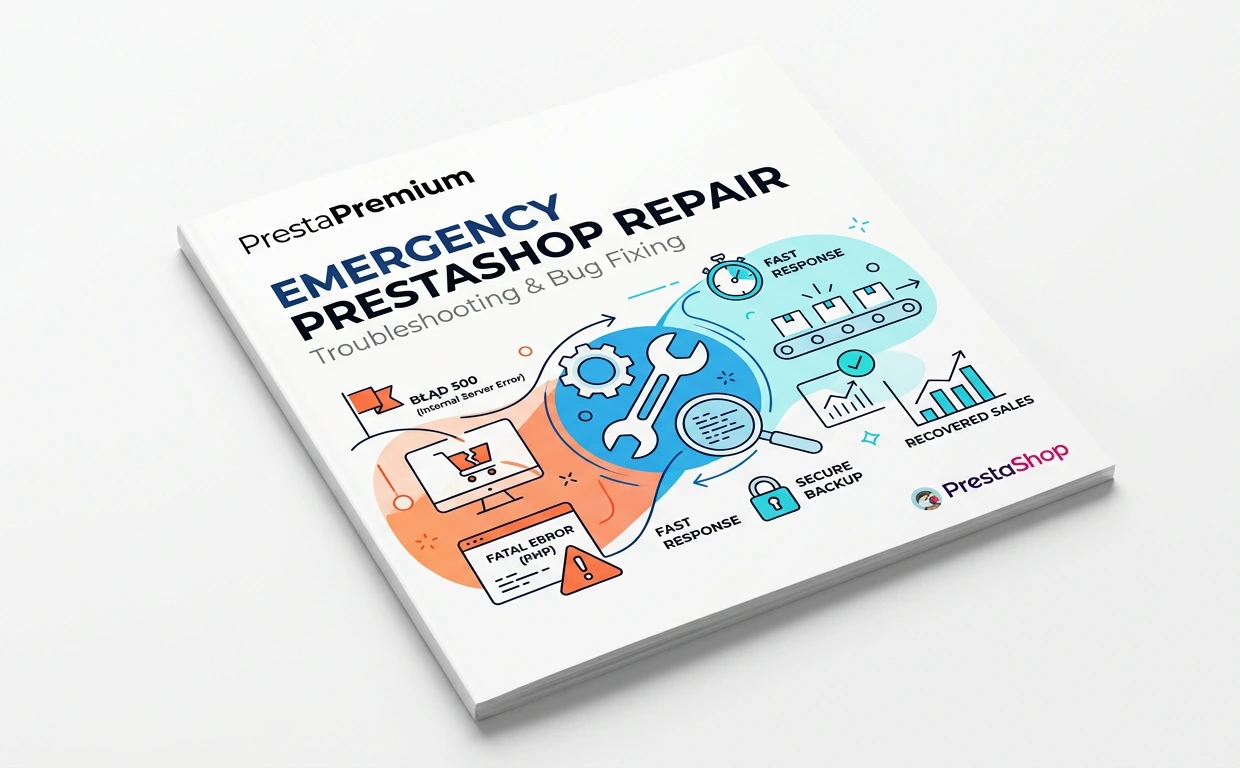
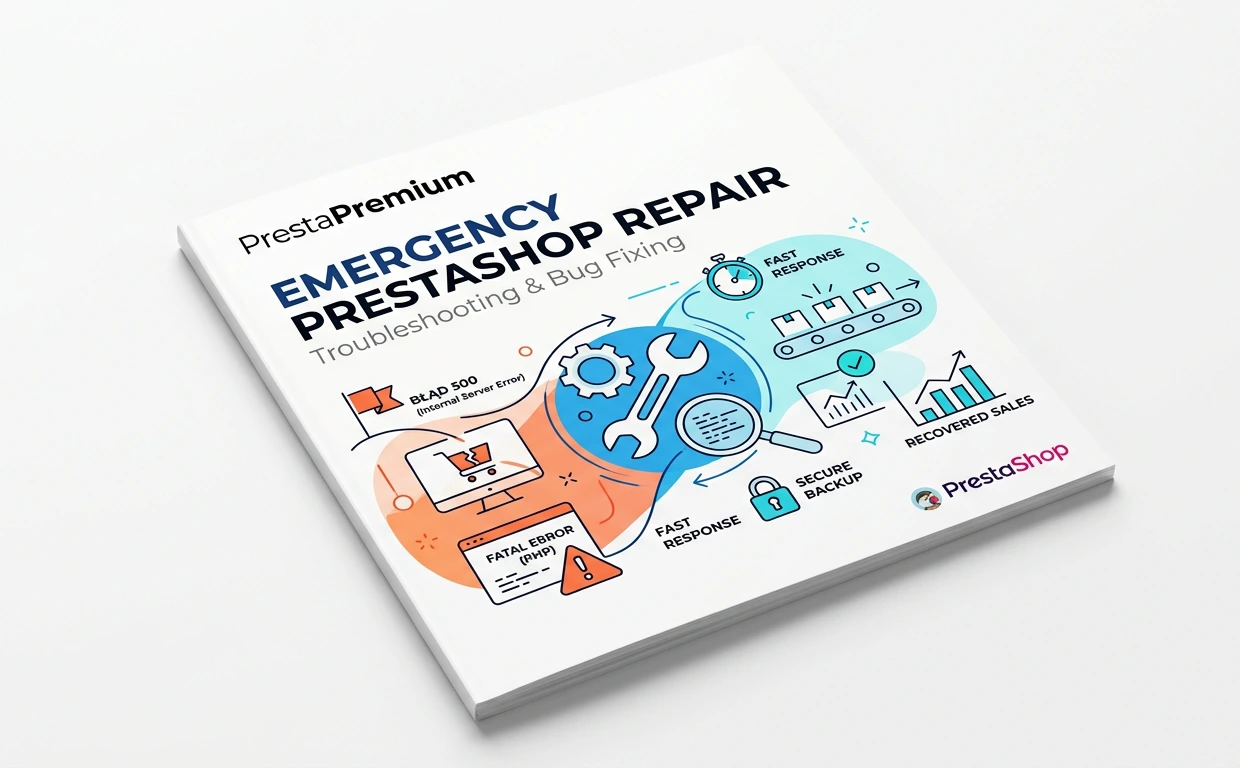
Fast PrestaShop Repair – Diagnostics & Bug Fixing

PP-066U
  • 1.3 - 8.x and above
  • EN, FR, IT, DE, PL, ES

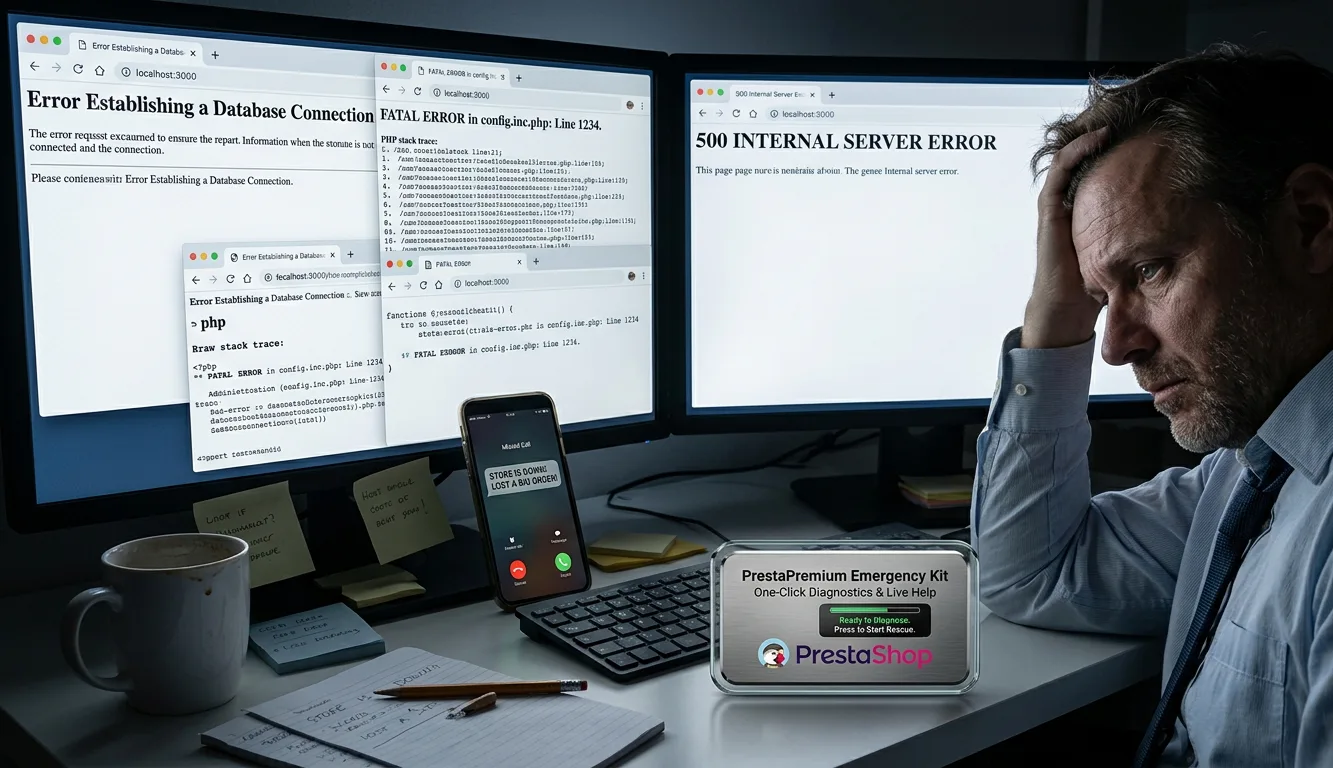
Has your store stopped working and customers can no longer place orders? A white screen, HTTP 500 error, blocked cart or failure after an update can cause immediate financial loss. Instead of troubleshooting blindly, put the issue in the hands of PrestaShop specialists.

This service is billed in work hours (1 unit = 1 hour). The default one-hour order covers a backup, diagnosis and an initial repair attempt. For more complex incidents, you can order additional hours in advance so that work can continue without waiting for approval.

Place and pay for your order using an online payment method, such as a card or instant bank transfer — we will contact you as soon as payment is confirmed to collect access details securely and begin work.

Price available only until: 28.09.2026

44.16 € Tax excluded
69.00 €
Save 36%
Lowest price within 30 days before promotion: 69.00 €

44.16 € / hour

Additional services:

Express Start (Within 2 Hours) +59.10 €
Safe staging — Work on a test environment +89.10 € (once)
14-day monitoring +59.10 € (once)

Information Parameters:

  • Store Version PHP Version
    1.3 - 8.x and above
  • EN, FR, IT, DE, PL, ES

Common incidents we resolve

Critical server errors

HTTP 500, 502 and 503 errors, redirect loops, memory exhaustion (fatal errors), white screen of death (WSOD), or loss of Back Office access.

Checkout issues

Blocked carts, missing shipping methods, incorrect tax calculations, or payment gateway failures (cards, bank transfers, digital wallets and local payment methods).

After-update failures

Issues after an unsuccessful PrestaShop update (1.7, 8.x or 9.x), a PHP version change at the hosting provider, or installation of a conflicting module.

Database and integrations

DbException messages, damaged SQL tables or indexes, and synchronisation issues with ERP, marketplace, warehouse or shipping integrations.

How billing works (1 unit = 1 work hour)

The unit price and any option surcharges are shown on the product page and in the cart. You can purchase several hours up front or add more after receiving our report. URGENT and staging option charges apply to each purchased work hour.

  • We always start with a backup — a database export and a copy of files before changing code.
  • Within the purchased time — we analyse logs, identify the cause and implement a fix where the issue can be resolved within the ordered hours.
  • No-surprises policy — if the repair needs more work than you have paid for, we stop. You receive a report explaining the cause and a quote for continuation. You decide whether to purchase additional hours.
  • When work time and SLA begin — once payment is confirmed and we have the access required for the task. We do not consume your hours while waiting for credentials.

What happens after purchase?

  1. You pay for the order for the chosen number of work hours, with optional URGENT response or staging.
  2. We contact you using the email address or telephone number provided with the order, and ask for the store URL, a description of the symptoms, your PrestaShop version and access details.
  3. Online payment (card, instant bank transfer or another available method): we contact you after payment confirmation.
  4. Traditional bank transfer: we contact you when funds have reached our account.
  5. Then: backup → work within the purchased hours → repair or a report and quote for continued work.

Do not enter passwords in the order notes. Send access details securely only after we request them.

Optional extras (selected on the product page)

We normally process paid requests in order. Depending on your needs, you can add the options below; their current prices are shown in the form above.

  • URGENT response — work started within 2 hours (surcharge per work hour) — we handle your case ahead of the standard queue, including weekends and outside normal business hours. We begin diagnosis no later than 2 hours after payment is confirmed and valid access is received.
    SLA guarantee: If we do not begin work within 2 hours for reasons on our side, we automatically refund 100% of the URGENT surcharge and continue the request as priority work at the standard rate.
  • Safe staging — work on a test environment (one-off order fee) — before changing production code, we create an isolated clone (database and files) and repair it there first, helping to minimise the risk of downtime.
  • Log monitoring — 14 days (one-off order fee) — for two weeks after the repair, we actively monitor PHP and SQL server logs to identify hidden issues before they affect your customers.

What to prepare before we contact you

For security reasons, do not put passwords in the order notes. Please prepare the information below — we will request it as soon as payment is confirmed:

  • Your store URL and a direct link to the administration panel.
  • A brief description of the issue: what does not work, when it began and whether it followed a specific change.
  • Your PrestaShop version, if known.
  • Back Office administrator credentials.
  • Server access details: SFTP/FTP, SSH or hosting control panel.

What is not covered by this service?

This product is for rapid resolution of a specific incident. For other types of work, please use our dedicated services:

  • Malware removal or security incident response: removing malicious code requires a full file inspection, closure of backdoors, SQL database cleanup and vulnerability remediation. If you see unwanted ads, suspicious redirects or Google security warnings, choose our PrestaShop malware removal service.
  • Ongoing technical support: this package is a one-off emergency intervention. If you need continuous oversight, regular updates and a guaranteed response time (SLA) within a monthly budget, see our PrestaShop support plan.

Warranty on completed work (12 months)

The product page states the service-category benefit: 12-month warranty on completed work. The terms below clarify what it means. It is not continuous log monitoring, on-call cover or a support subscription for your entire store.

What the warranty covers

  • We resolve the reported issue and secure the agreed scope in line with PrestaShop good practices, within the purchased time.
  • The warranty applies only to the recurrence of the same issue or a regression in the elements we introduced or repaired in this order.
  • Term: 12 months from the completion date stated in the final report.

The final report is the reference point for a warranty claim

After completing the work, we provide a report including the reported incident and identified cause, a client-readable list of changes made (code, configuration and/or SQL), any recommendations, and the completion date. Warranty claims are assessed against this report; work outside its scope is not automatically covered.

What the warranty does not cover

  • active log monitoring, on-call cover, continuous-support SLA or 24/7 supervision of the store;
  • new incidents or problems in an area other than that described in the report;
  • changes made after completion, including installation or updates of modules, theme, PrestaShop, PHP, server, CDN, reverse proxy, firewall or cron jobs;
  • access being shared with third parties after our work, including freelancers, agencies, employees or other IT providers;
  • hacking, malware, spam, data leaks, account abuse, brute-force attacks, compromised passwords or exposed admin panels — including pre-existing security gaps not disclosed to us or outside the agreed scope;
  • risks intentionally left outside the brief, for example an insecure module retained at your request or excessive database/FTP permissions not included in the repair;
  • hosting or infrastructure problems, including CPU/RAM resources, limits, account suspensions, data-centre incidents or host-side configuration;
  • external integration failures (ERP, marketplace, payment or carrier services) caused by a change on the provider's side or by changed tokens or configuration;
  • loss or overwrite of our changes through a customer deployment, restoration from another backup or manual file edits;
  • inability to verify a claim because access is unavailable or the issue cannot be reproduced.

How to file a warranty claim?

You can submit your request on our Contact page using one of two options:

  • Contact Form — for new requests (no account required). Include your order number and a description of the symptoms. Do not include passwords.
  • Support Ticket — if you have an account: open a new ticket or update an existing one in our ticketing system on that page.

Go to Contact Page

What happens next on our end:

  1. We compare your request against our final work report and service exclusions.
  2. Same scope, regression of our fix, and no exclusions → we fix it free of charge under warranty.
  3. New issue, different area, or an excluded item → we provide a quote for additional hours (separate order).

FAQs

  • How is emergency PrestaShop repair billed?

    The service is billed in work hours: one product unit equals one hour of work. The price and any selected option surcharges are shown on the product page and in the cart. You can purchase several hours up front or add more after receiving our report.

  • Are the modules compatible with my version of PrestaShop?

    Each module in our store contains information about compatibility with specific PrestaShop versions. Please check this information carefully before purchasing. If you are not sure, contact us.

  • What does the first purchased hour include?

    We start with a backup of the files and database, then analyse logs, identify the cause and implement a fix where the issue can be resolved within the purchased time.

  • What if the repair requires more time?

    We do not perform additional work without your decision. We pause, provide a report with the identified cause and a quote for continuation, and you decide whether to purchase more work hours.

  • When do work time and SLA begin?

    Work time and SLA begin once payment has cleared and we have received the valid access required for the task. Your purchased hours are not consumed while we are waiting for credentials.

  • How does the Express Start option work?

    Express Start gives your request priority outside the standard queue, including weekends and outside normal business hours. We begin diagnosis within 2 hours after payment has cleared and valid access has been received. If we do not begin work in that time for reasons on our side, we refund 100% of the Express Start surcharge.

  • Can repair work be performed on a test environment?

    Yes. The Safe staging option includes creating an isolated clone of your store — database and files — before making production changes. We diagnose and repair the clone first, helping to minimise the risk of store downtime.

  • What information should I prepare after purchase?

    Please prepare the store URL and Back Office link, a description of the symptoms and when they began, the PrestaShop version if known, Back Office administrator credentials, and server access (SFTP/FTP, SSH or hosting panel). Do not put passwords in order notes; we will request them through a secure channel after payment confirmation.

  • What is not covered by this service?

    This service is for rapid resolution of a specific incident. It does not cover comprehensive malware removal or security-incident remediation, ongoing technical support, hosting-infrastructure issues, or new faults outside the scope described in the final report.

  • What does the warranty on completed work cover?

    For 12 months from the completion date stated in the final report, the warranty covers recurrence of the same issue or a regression in elements we introduced or repaired. It does not replace 24/7 monitoring or an ongoing support plan for the entire store.

  • How do I submit a warranty claim?

    Use our Contact page: send the form or, if you have an account, open or continue a support ticket. Include the order number and a description of the symptoms, but do not include passwords. We will compare the request with the final report and the warranty exclusions.

Do you need additional features or custom solutions?

  • Module customisation tailored to your specific requirements.
  • Extending functionality to enhance your store's capabilities.
  • Developing bespoke modules designed to meet your unique needs.
  • Integrating external systems and additional tools.
  • Optimisation and improvements for better performance and user experience.

Do you have ideas on how to improve this software? Share your suggestions for optimisation, new features, or bug reports – we’ll be happy to review them!